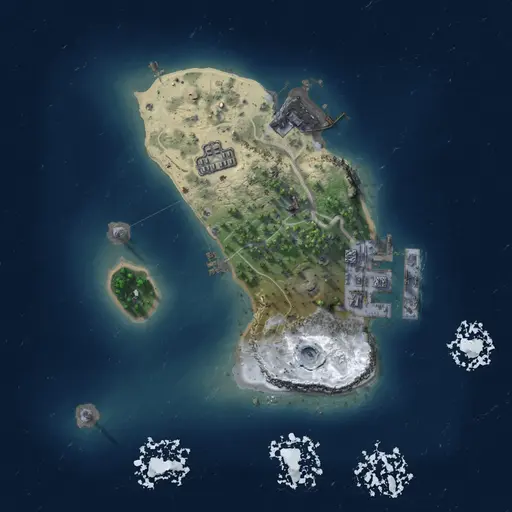
 Procedural Map
1,500 · Seed 50000 · 166 servers
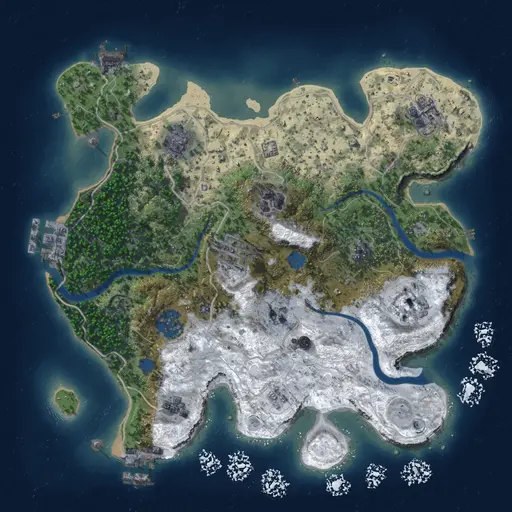 Procedural Map
3,000 · Seed 50000 · 94 servers
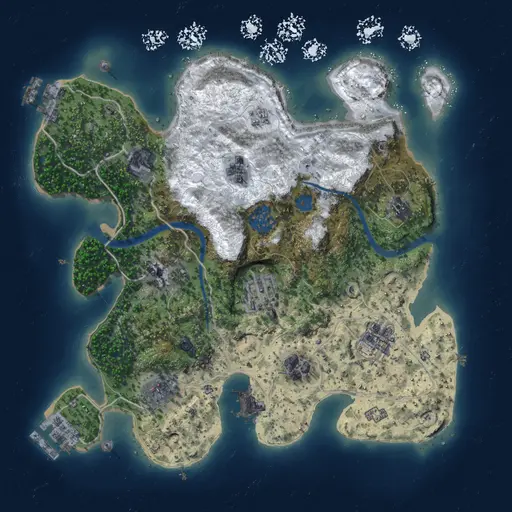 Procedural Map
3,000 · Seed 1 · 76 servers
Release · Discord alerts ·
Discord alerts for Rust
Your Rust community keeps asking when the wipe is. Now Just Wiped tells them. Connect a Discord webhook and get wipe posts, countdowns, map images and server alerts in your channel, with no bot, no plugin and no RCON password. Players can follow servers too.

Four parts
What is new
Your wipe, posted for you
Connect one Discord webhook and Just Wiped posts your Rust server's wipe with the new map and the details you pick. Posts follow our regular server checks, so they arrive shortly after a wipe, not at the exact second.
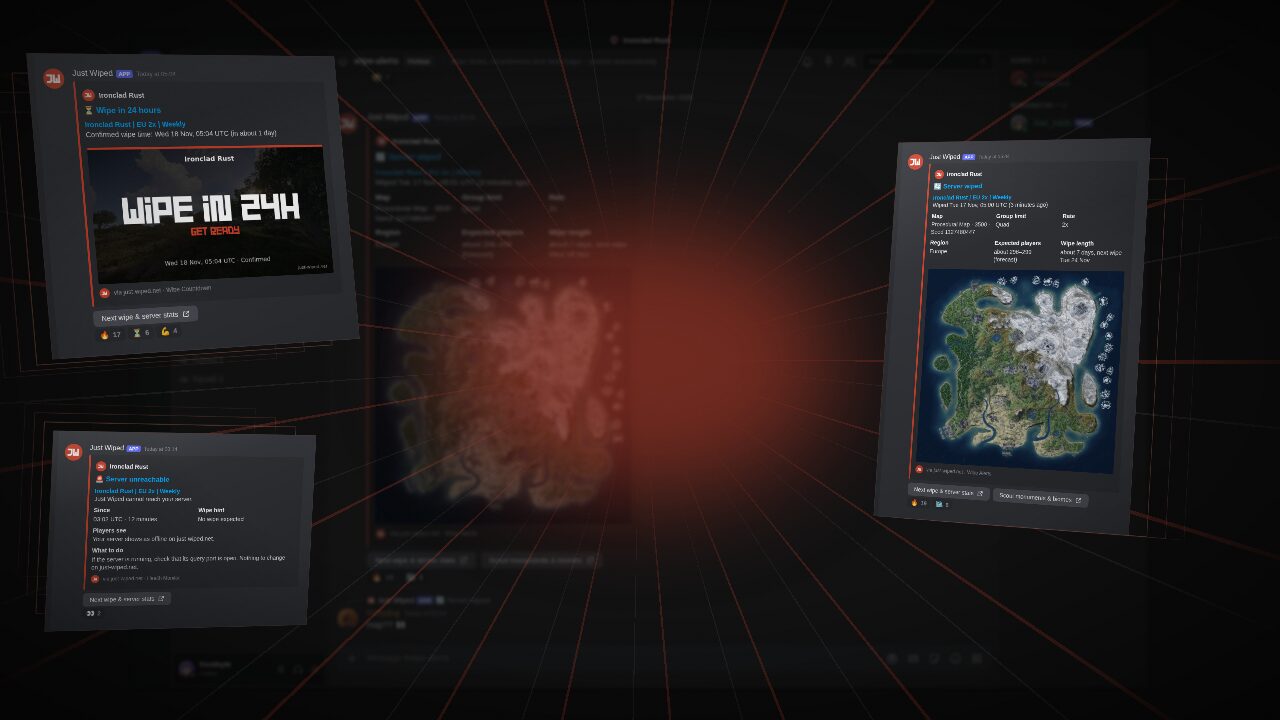
- Server wiped, with the new map
- Map rendered, with monuments and biomes
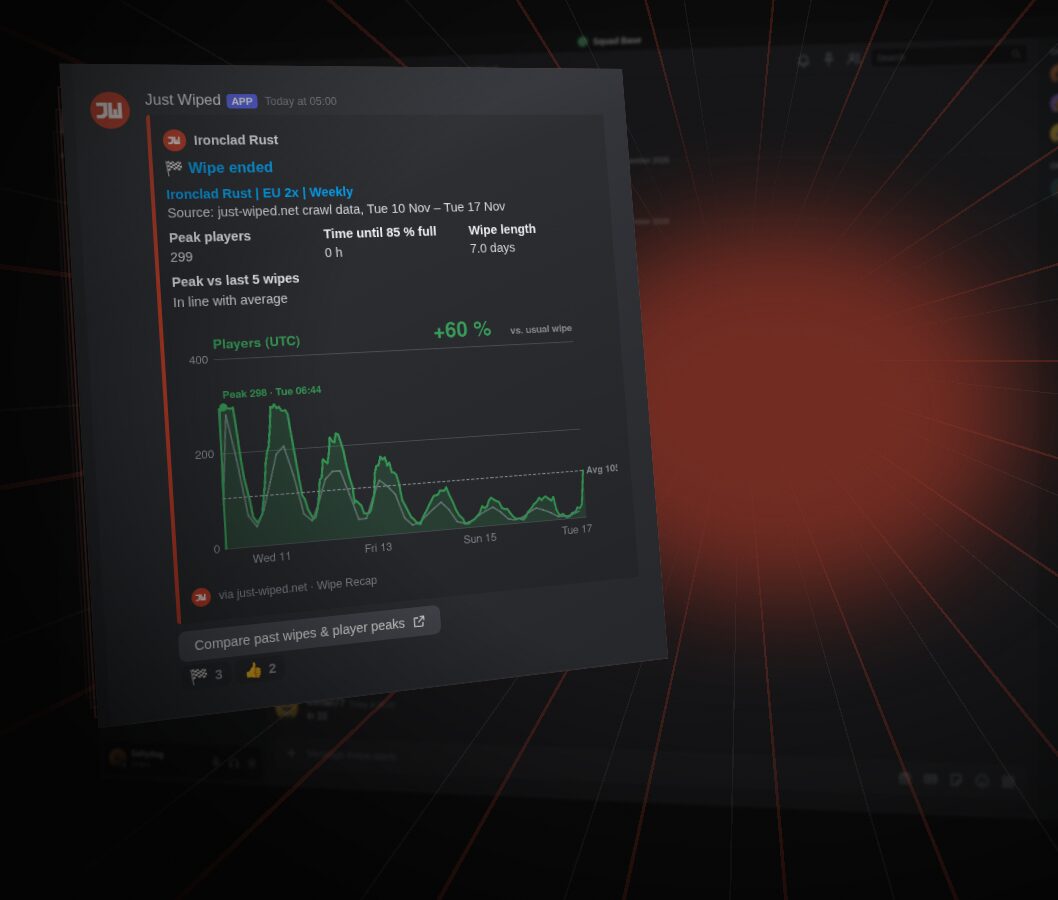
- Wipe ended, with a player chart
- Live preview of every post while you set it up

Never ask when the wipe is
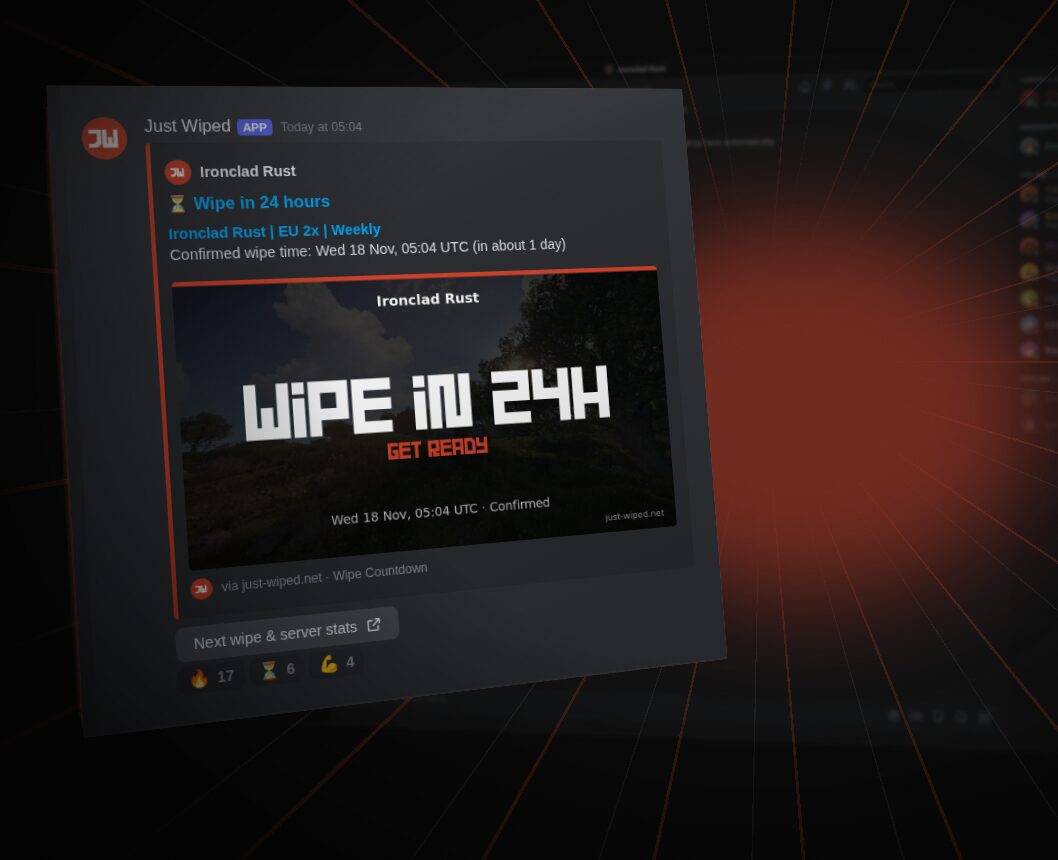
Reminders land in your channel before the next Rust wipe, by default 24 hours and 1 hour before. We count down to your wipe plan, or to our forecast, which is marked as estimated.
- 12 h, 6 h and 5 min reminders on top
- Confirmed dates by default, estimates only if you allow them
- Works with the monthly force wipe too
Know before your players do
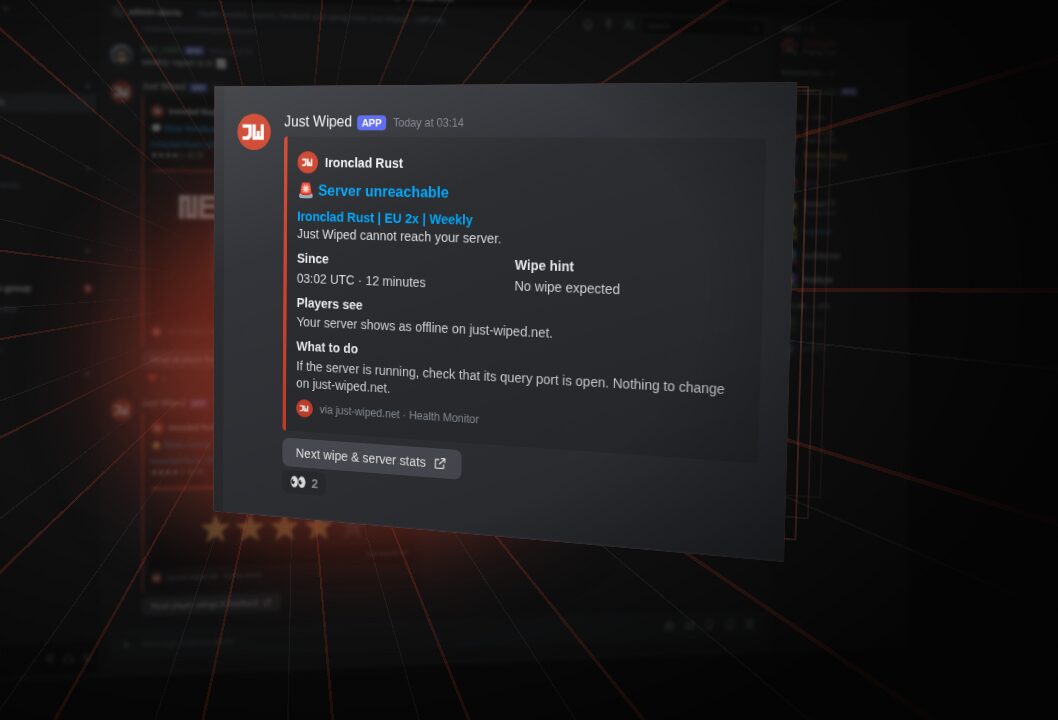
Owners can switch on extra posts for their staff channel. Get told when your Rust server goes offline and when it is back, plus ratings, feedback and key numbers on a schedule you choose.
- Health Monitor: offline, back online, failing checks
- Daily status, stats reports and Highlights
- New ratings and feedback, never the text or the name
Follow the servers you play
You do not have to own a server. Open any Rust server page, choose Get Discord alerts and send the wipe to your own Discord, so you see it before the queue does.
- Server wiped, Wipe countdown, Map rendered and Wipe ended
- Pick the types you want per server
- Manage them all under My Discord integrations
Video
Set up Rust wipe alerts in Discord
The full setup in about five minutes. Create a webhook in Discord, add it on Just Wiped and pick the posts your Rust server sends.
 Watch on YouTube
Start with Discord alerts
Just Wiped – Where your wipe starts. Set up your Rust server in a few minutes, or follow one as a player.