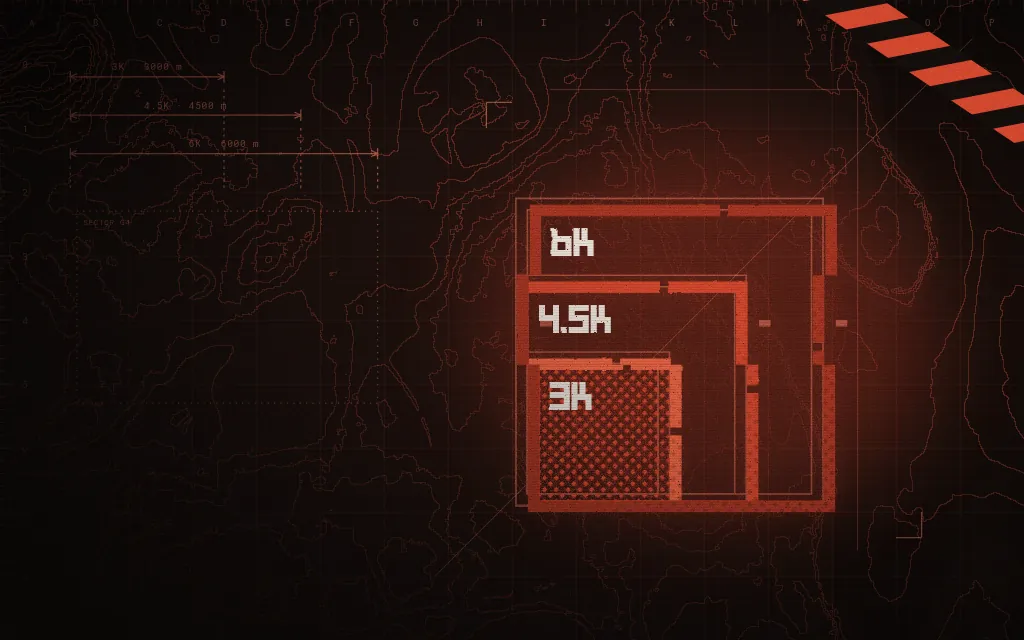
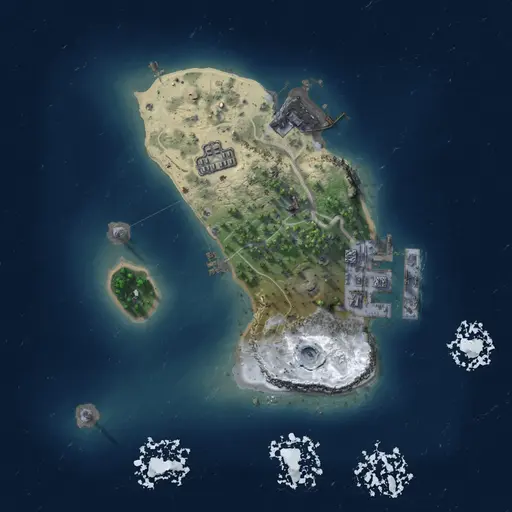
 Procedural Map
1,500 · Seed 50000 · 166 servers
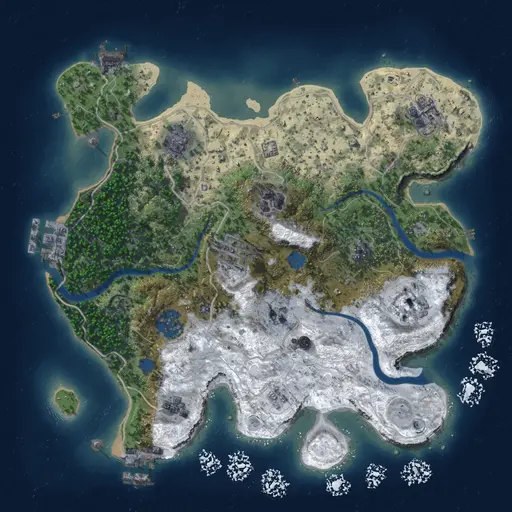 Procedural Map
3,000 · Seed 50000 · 94 servers
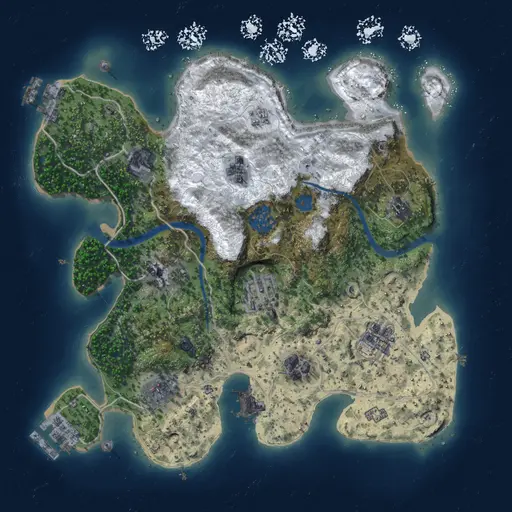 Procedural Map
3,000 · Seed 1 · 76 servers
Rust Discord webhook: wipe alerts without a bot
With Just Wiped you get automatic Rust wipe posts, countdowns and server alerts in your Discord for free, without a bot, a plugin or an RCON password. You create a webhook in one Discord channel, paste its URL into Just Wiped and choose which posts you want. Looking for a Rust wipe bot? A webhook does the posting part without anything to install or host. Just Wiped spots wipes by checking servers regularly, so a post follows shortly after a wipe, not at the exact second.
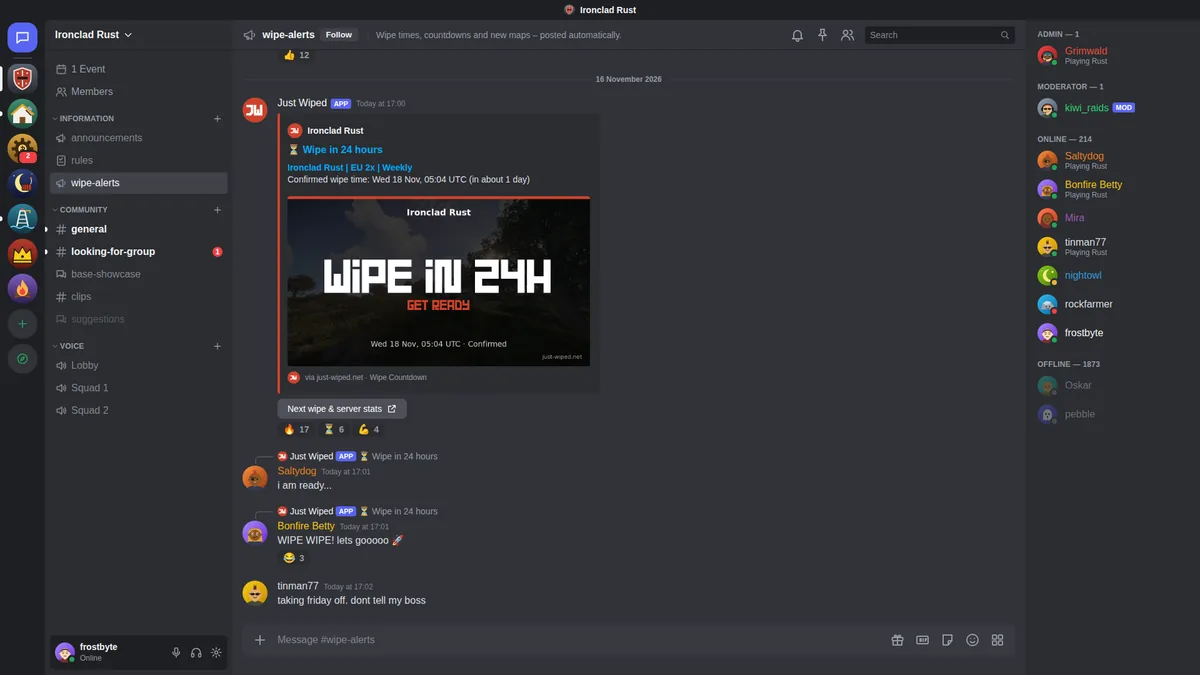
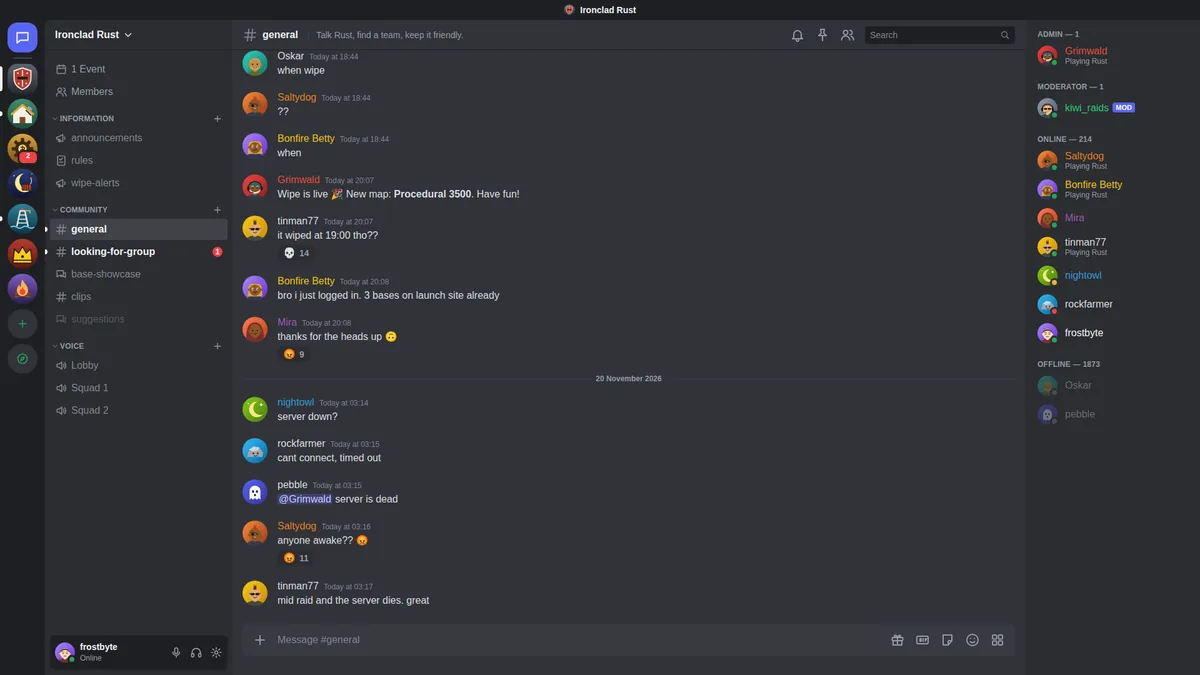
Saltydog when wipe??
Bonfire Betty anyone know the wipe time
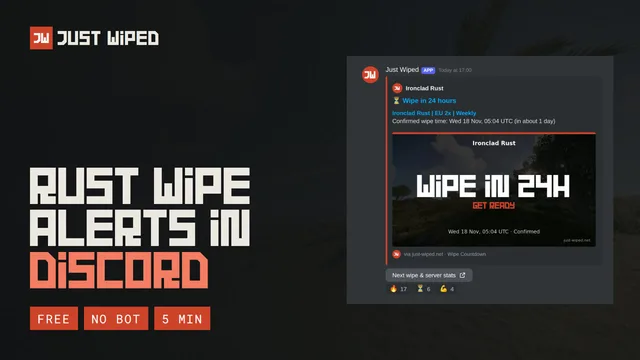
What you get in your Discord
Server wiped
After the wipePosts when the server wipes, with the new map and the details you choose, for example map size, seed or wipe time.
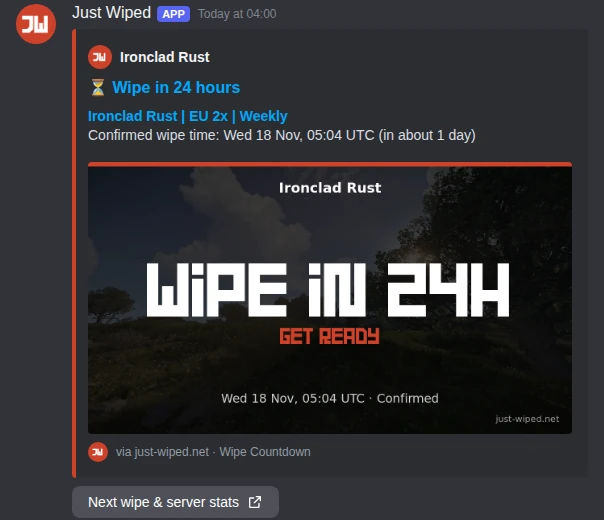
Wipe countdown
Before the wipeReminders before the next wipe, by default 24 hours and 1 hour before. Owners can add 12 hours, 6 hours and 5 minutes.
Map rendered
Map and monumentsPosts when the map of the current wipe is ready, with the map image, its monuments and, for owners, the biomes.
Wipe ended
RecapPosts when a wipe ends, with a short summary and a chart of the players over the whole wipe.
-
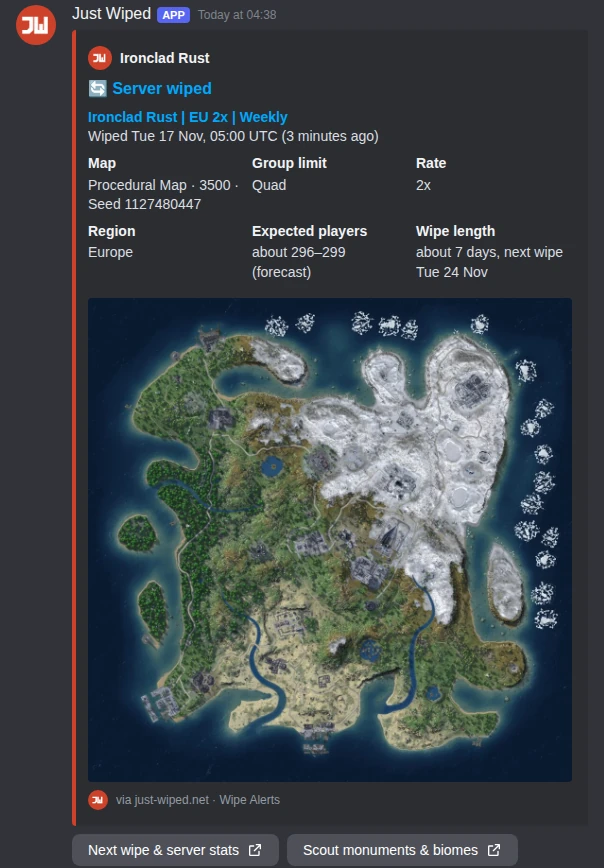 Server wiped
Posts when the server wipes, with the new map and the details you choose.
Owner
-
Wipe countdown
Reminders before the next wipe, by default 24 hours and 1 hour before.
Owner
-
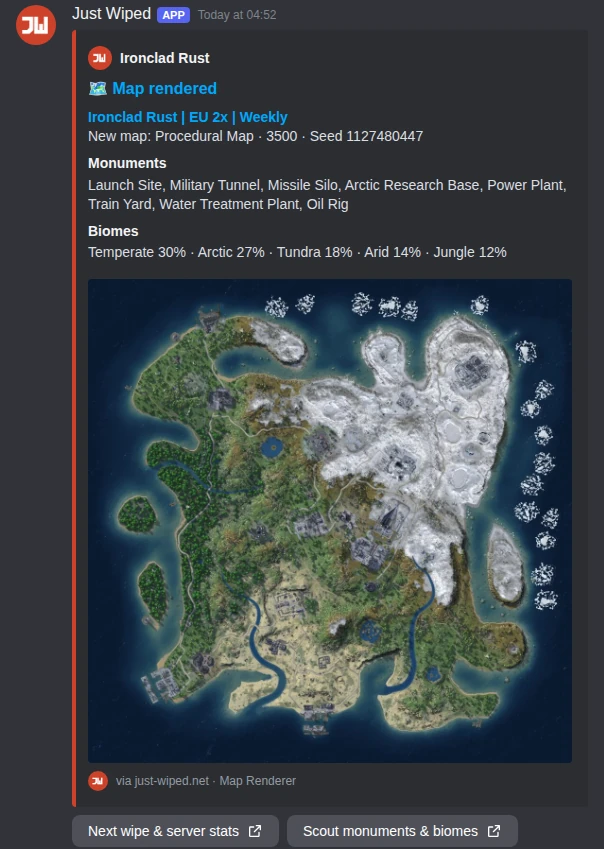 Map rendered
Posts when the map of the current wipe is ready, with the map image and its monuments.
Owner
-
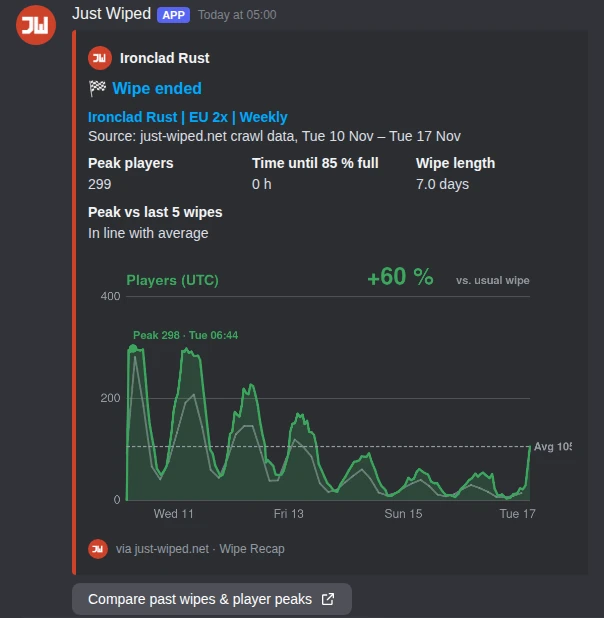 Wipe ended
Posts when a wipe ends, with a short summary and a chart of the players over the whole wipe.
Owner
-
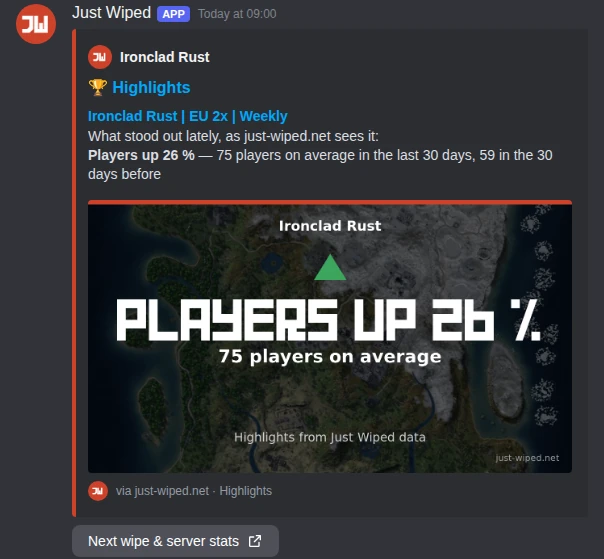 Highlights
At most once a day, and only when something special happened.
Owner
-
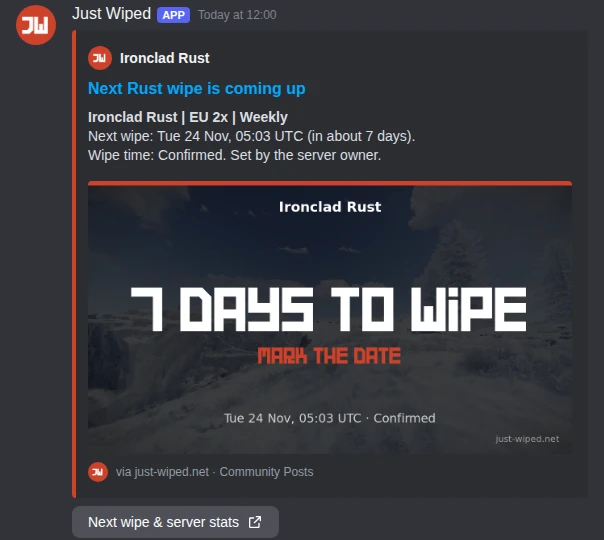 Random posts
A few short posts a week at times inside a window you choose.
Owner
-
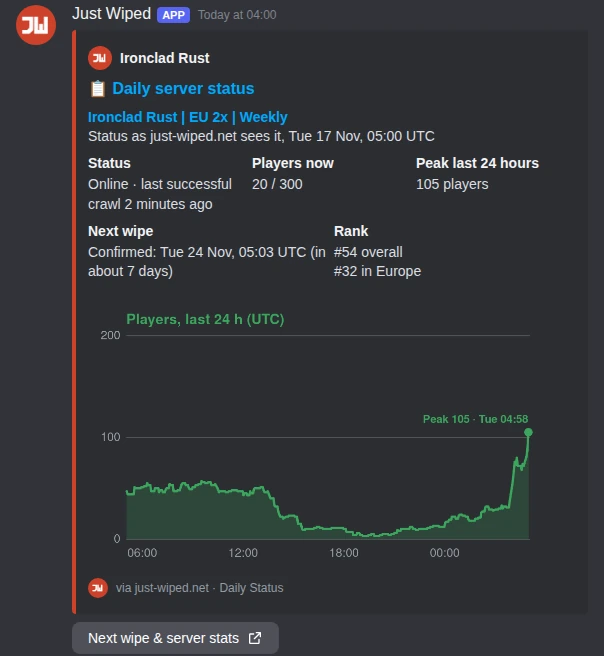 Daily status
Once a day at the time you pick, with online status, players now and the next wipe.
Owner
-
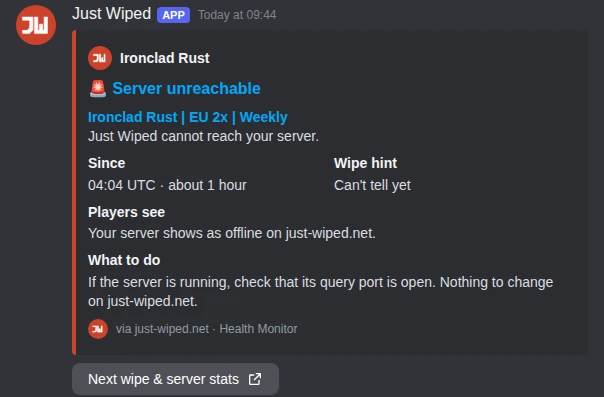 Health Monitor
A post when your server goes offline and when it is back.
Owner
-
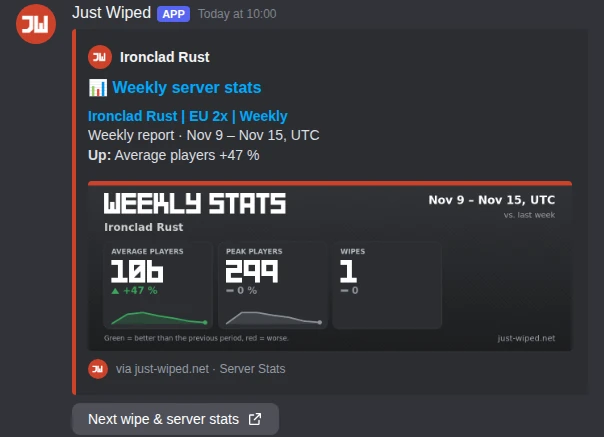 Stats report
Daily, weekly or monthly key numbers of your server and how they changed.
Owner
-
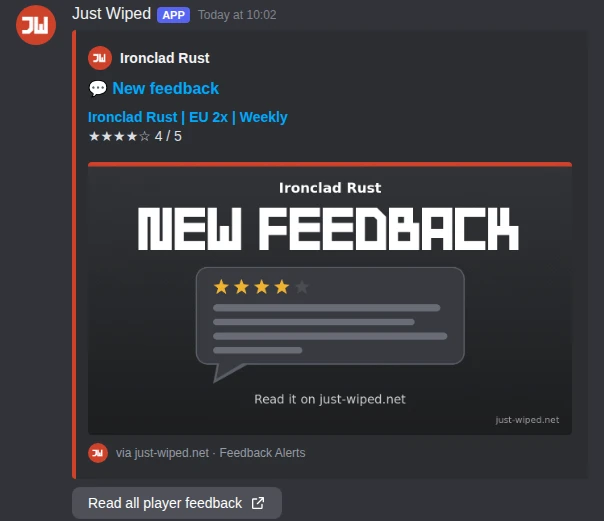 New feedback
A short note with the stars and a link. The text and the name of the player are never posted.
Owner
-
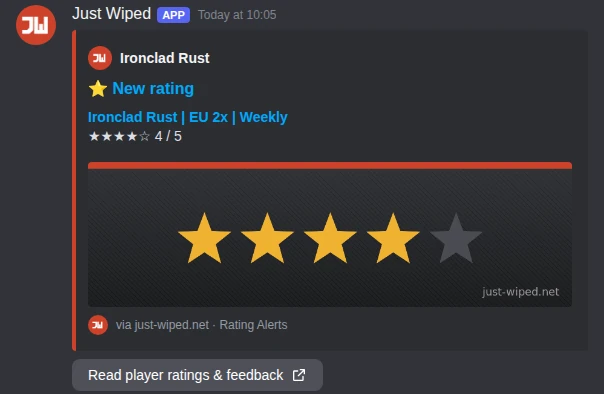 New rating
A short note with the stars and a link.
Owner
Extra posts for server owners
If you own the server, you can switch on more posts. Each one is optional and has its own settings.
- New feedback and New rating: a short note with the stars and a link. The text and the name of the player are never posted.
- Stats report: daily, weekly or monthly key numbers of your server and how they changed.
- Daily status: once a day at the time you pick, with online status, players now, the peak of the last 24 hours, the next wipe and your rank.
- Highlights: at most once a day, and only when something special happened, such as a player record or a climb in the ranking.
- Health Monitor: a post when your server goes offline and when it is back, or when many of our checks fail.
- Random posts: a few short posts a week at times inside a window you choose, for example a countdown or a call for ratings.
Webhook, plugin, bot or subscription: which do you need?
Discord webhook (Just Wiped)
FreeOne channel and one URL. No bot invite, no bot permissions, nothing on your game server and no RCON password. It works for vanilla and modded servers.
Server plugin
Needs server accessOxide or Carbon plugins read the wipe on the server itself and post through a webhook. Good if you want full control and have admin access to the server. The plugin has to be installed, configured and kept up to date.
Self-hosted bot
Needs hostingA bot you run yourself can do more, such as slash commands and role interaction, but it needs hosting, a bot token and often an RCON password.
Paid service
SubscriptionSome services automate wipes and announcements for a monthly fee. They make sense if you want the wipe itself handled, not only announced.
What a webhook cannot do
A webhook can only post into its channel. It cannot answer slash commands, react to members or show a live player count in a bot status. If you need that, a bot is the better tool. For wipe posts, countdowns and alerts, a webhook is enough, and it is the lightest option for your Discord because it asks for so little.
Before you start
You need three things.
- A Steam login on Just Wiped. We use Steam sign-in, so there is no extra password.
- A server that is confirmed as yours. Open the server page, use Claim this server and follow the steps shown there. Posts for owner-only types are only possible for servers you own.
- The Manage Webhooks permission in the Discord server where the posts should appear. Without it, ask an admin of that Discord server to create the webhook for you.
Step 1: Create a webhook in Discord
Discord changes menu names from time to time. If a label below does not match, the official Discord help is always current.
- In Discord, open the settings of the server (or of the channel) where the posts should appear, then go to Integrations and Webhooks.
- Choose New Webhook. Give it a name and, if you like, an avatar. This is what members will see as the sender.
- Pick the channel for the posts. A quiet announcement channel works well.
- Choose Copy Webhook URL. Keep it for the next step and do not share it.
Example setup for a weekly server
- Post type
- Server wiped
- Fields
- Map, Rate, Group limit, Region
- Image
- Our render, in-game map until ready
- Role ping
- @wipe-alerts
- Channel
- #wipe-alerts (announcement)
Server Settings > Integrations > Webhooks > New Webhook > Copy Webhook URL
Step 2: Connect it on Just Wiped (server owners)
-
Sign in with Steam and open the owner area of your server, then find the Discord integration section and choose Add integration.

- 1 Add integration
-
Paste the webhook URL into the webhook field. After saving, the URL is only shown masked.
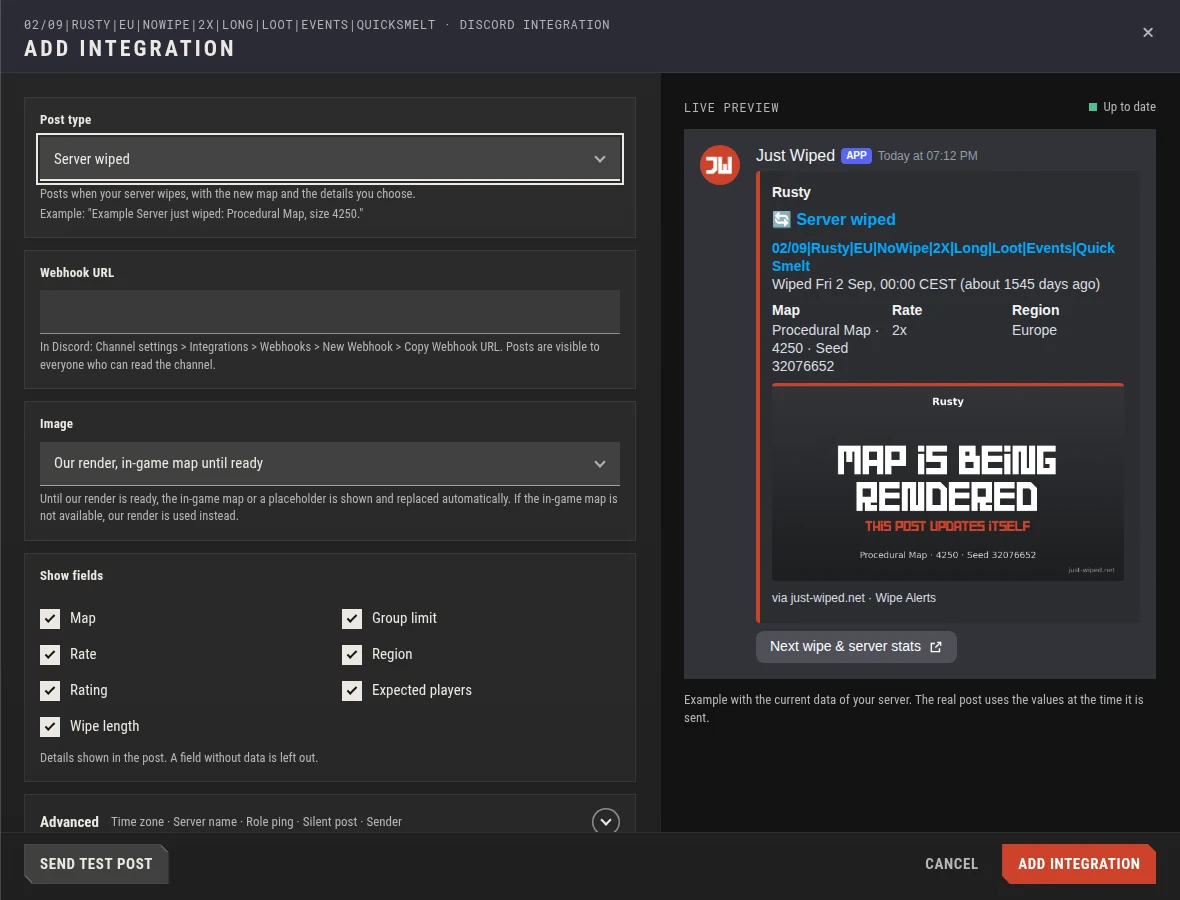
- 1 Webhook URL
- 2 Live preview
- 3 Send test post
The Webhook URL field, enlarged: paste the URL from Discord here.
Step 3: Pick your posts and send a test post
- Switch on the post types you want. Each type has its own options, such as the reminders of the countdown, the image or a role to ping. Start with Server wiped and Wipe countdown; you can add more later. The live preview next to the options shows the post with your server's current data and updates as you change them.
-
Send a test post. It arrives in your channel within moments and shows how the real posts will look.
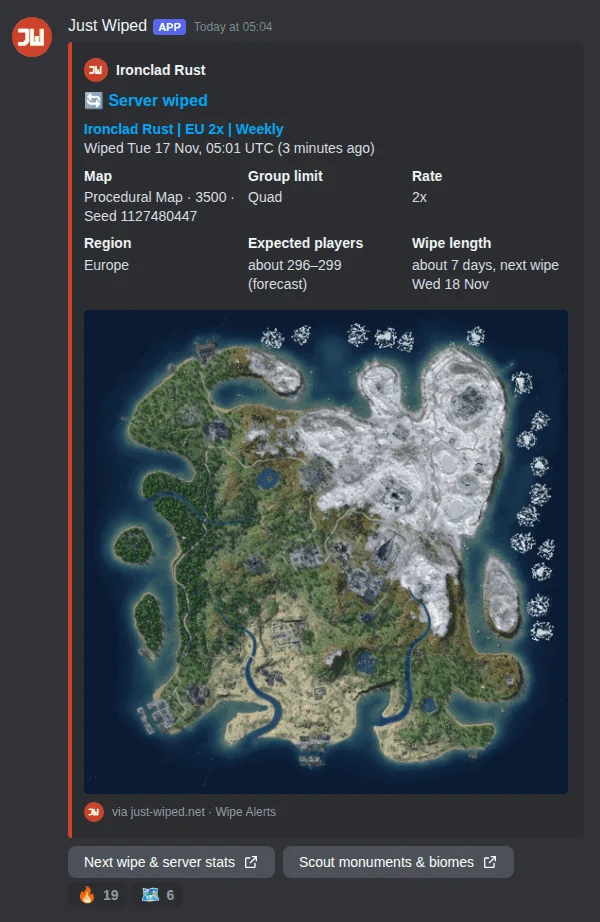
- 1 Wipe details
- 2 New map
- If the test post looks right, you are done. Real posts follow when the next event happens.
Your choice, live. Real posts use the data of your server. There are more post types, see the example posts above.
🔄 Server wiped
Ironclad Rust | EU 2x | Weekly
Wiped Tue 17 Nov, 05:00 UTC (3 minutes ago)
- Map
- Procedural Map · 3500 · Seed 1127480447
- Group limit
- Quad
- Rate
- 2x
- Region
- Europe
- Expected players
- about 296–299 (forecast)
- Wipe length
- about 7 days, next wipe Tue 24 Nov
via just-wiped.net · Wipe Alerts
⏳ Wipe in 24 hours
Ironclad Rust | EU 2x | Weekly
Confirmed wipe time: Wed 18 Nov, 05:04 UTC (in about 1 day)
via just-wiped.net · Wipe Countdown
🗺️ Map rendered
Ironclad Rust | EU 2x | Weekly
New map: Procedural Map · 3500 · Seed 1127480447
- Monuments
- Launch Site, Military Tunnel, Missile Silo, Arctic Research Base, Power Plant, Train Yard, Water Treatment Plant, Oil Rig
- Biomes
- Temperate 30% · Arctic 27% · Tundra 18% · Arid 14% · Jungle 12%
via just-wiped.net · Map Renderer
🏁 Wipe ended
Ironclad Rust | EU 2x | Weekly
Source: just-wiped.net crawl data, Tue 10 Nov – Tue 17 Nov
- Peak players
- 299
- Time until 85 % full
- 0 h
- Wipe length
- 7.0 days
- Peak vs last 5 wipes
- In line with average
via just-wiped.net · Wipe Recap
How the wipe countdown works
The countdown needs a wipe time to count down to. If the owner has published a wipe plan, we use it. Otherwise we use our own forecast, and posts based on a forecast are marked as estimated. By default only confirmed dates are posted; owners can also allow estimated dates, but only for the reminder 24 hours before.
Every Rust server also wipes with the monthly force wipe, the first Thursday of the month. Servers that follow it get their reminders like any other wipe. For the exact schedule, see the Rust wipe schedule page here on Just Wiped.
- 24 h Tue 17 Nov, 05:04 UTC Default
- 12 h Tue 17 Nov, 17:04 UTC Owner option
- 6 h Tue 17 Nov, 23:04 UTC Owner option
- 1 h Wed 18 Nov, 04:04 UTC Default
- 5 min Wed 18 Nov, 04:59 UTC Owner option
- Wipe Wed 18 Nov, 05:04 UTC Server wiped post follows
Keep your webhook URL safe
Treat the webhook URL like a password. Anyone who has it can post into your channel. Never paste it in a public channel, a screenshot, a forum thread or a support ticket.
At Just Wiped the URL is stored encrypted and is shown only masked after you save it. If it ever leaks, open the webhook in Discord, delete it and create a new one. Then paste the new URL into your integration.
Troubleshooting
The integration switched itself off
If you delete the webhook or its channel in Discord, Discord refuses our posts and we switch the integration off so that it does not keep failing. Create a new webhook, paste the new URL into the integration and use Reactivate.
A post did not arrive
Send a test post first. If the test works, the connection is fine. Real posts depend on our regular checks of the server, so a wipe post can come with a delay, and a short wipe or a server that was offline during the check may be missed. Also check that the post type is switched on and that the webhook still exists in Discord.
The test post fails
Check that you copied the whole URL and that it still exists in Discord. A webhook that was deleted, or one from a channel that was removed, no longer works.
A post came late
Posts are triggered by our checks, not by the game server. How soon a wipe is seen depends on how often the server is checked. We cannot promise real-time posts.
Frequently asked questions
Do I need a Discord bot to post Rust wipe alerts?
No. You only need a webhook, which you create in a Discord channel in a minute. There is no bot to invite, host or give permissions to.
Is it free?
Yes. The Discord integration costs nothing and has no subscription.
Can I get wipe alerts for a server I do not own?
Not with this guide. Alerts are set up by the owner of a server, who connects a webhook in the owner area of the server.
How do I know when a Rust server wipes?
The server page shows the wipe history and the expected next wipe. The owner of a server can set up Discord alerts for it, so the community is told without checking.
How fast is the Server wiped post?
It depends on how often we check the server, so there is no real-time guarantee. A post usually follows some time after the wipe, and it can be missed if the server was not reachable.
Does the post include the new map?
Yes, the Server wiped post comes with the new map. The Map rendered post adds the map image, the monuments and, for owners, the biomes once the map is ready, which can take a while after the wipe.
What happens if I delete the webhook or the channel?
We switch the integration off after Discord refuses our posts. Create a new webhook, paste the URL and use Reactivate.
Can I post to more than one channel or server?
Each integration uses one webhook, so one channel. For more channels, add more integrations with their own webhooks. Owners can do this for each of their servers.
Does it work for modded and community servers?
Yes, as long as the server is listed on Just Wiped. We check servers from outside, so nothing has to be installed on the game server.
What about the monthly force wipe?
A server that wipes on force wipe day is treated like any other wipe. The countdown uses the wipe time that is known for that server.